Category Archives: Houdini

Houdini UVs from Rest position

not sure why I couldn’t find this anywhere else
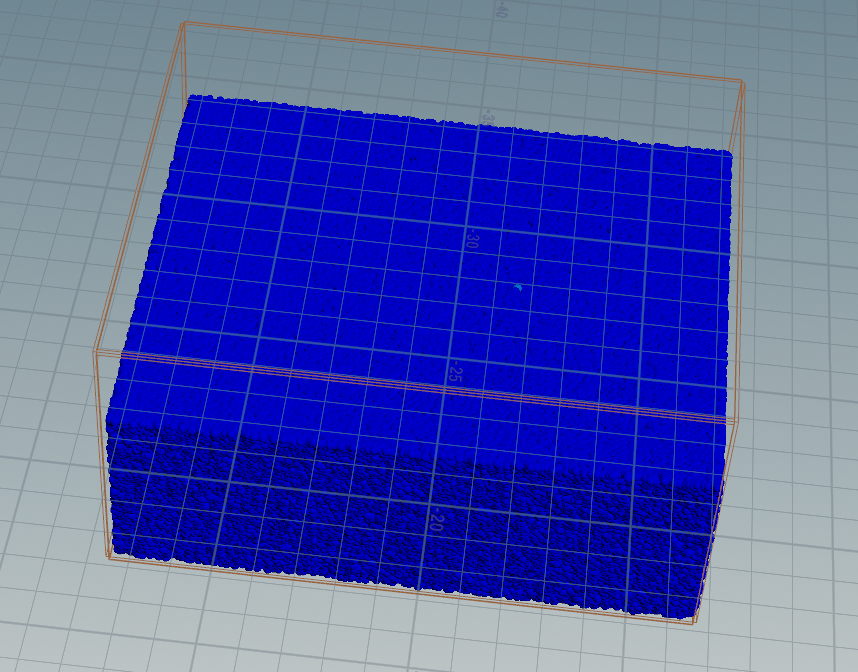
Getting uvs from rest position in Houdini is critical for texturing most of the interesting solvers especially FLIP. There are many methods but I couldn’t find anything that was just straightforward on the internet. Note this solution does not utilize animated rest positions – though it could be easily adjusted by you to do so.

Since UVs are a 3 vector, we’ll convert our primary surface axises (in this case, x and z) to the first two UV values, and use the 3rd value to store a Y axis number1.
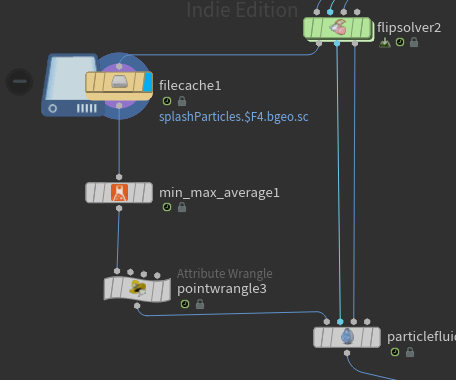
In this case, we’ll use the lovely min-max-average node (from labs) to determine the minimum and maximum value of our rest attribute (created in our flip container node above our solver). This node creates a detail attribute based on your specifications, so we’ll ask for the minimum and maximum values of all points.

Then it’s into vex:

vector max_rest = detail(0, "max_rest");
vector min_rest = detail(0, "min_rest");

float distX = max_rest.x-min_rest.x;
float distY = max_rest.y-min_rest.y;
float distZ = max_rest.z-min_rest.z;

float uvX = (@rest.x-min_rest.x)/distX;
float uvY = (@rest.y-min_rest.y)/distY;
float uvZ = (@rest.z-min_rest.z)/distZ;
v@uv = set(uvX, 1.0-uvZ, uvY);

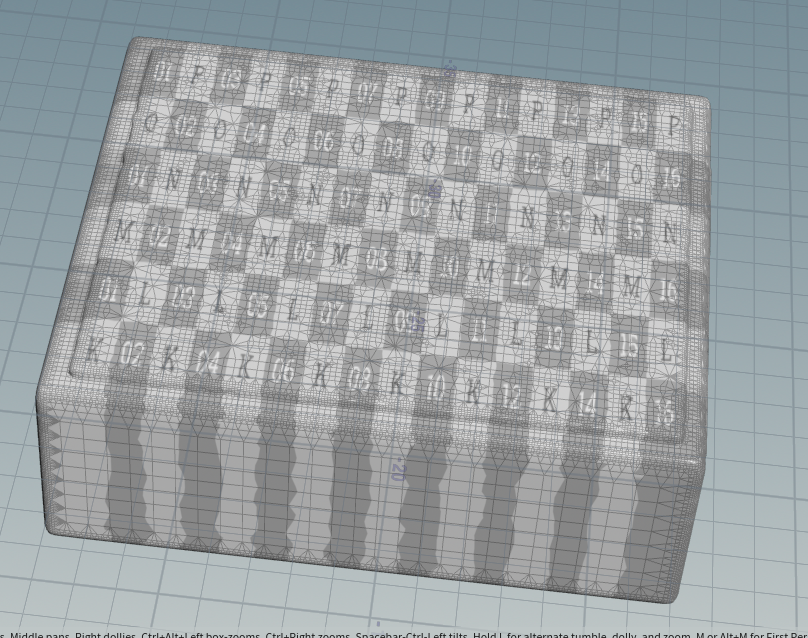
We’re simply converting our rest position into a float value from 0.0 -> 1.0, and putting that into our uv attribute. Note we used our primary axises (X + Z) as the first two values in our uv vector, and I flopped the z so it would look left -> right from the camera.
  1. UVs are in 2d space, so the 3rd number is generally superfluous, however it is passed to the shader so it could be utilized for the texture. In this case, you could use the Y value of our UVs to determine the depth of the liquid and shade those particles darker. (blood in the water anyone??) ↩︎
Houdini CloudMaker OTL

cloud

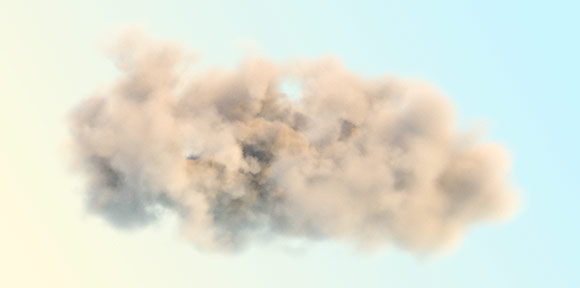
I’ve been working on some cloud-related projects, and I needed a streamlined way to make many different clouds – with art-directed shapes – quickly and simply. I’ve come up with an OTL that takes rough input geometry and then builds a wispy, fractal-y volume for rendering.

The asset is implemented in Volume VOPs, using simple noise equations to extrapolate cloud-like edges. It creates an intermediate geometry out of metaballs, then creates a volume and adds noise. With this, you can quickly and easily create simple cloud shapes and convert them into high-quality clouds for rendering.

Download:

cloudMaker OTL
requires houdini 12.5 or higher

Houdini Animation Curves otl

curves

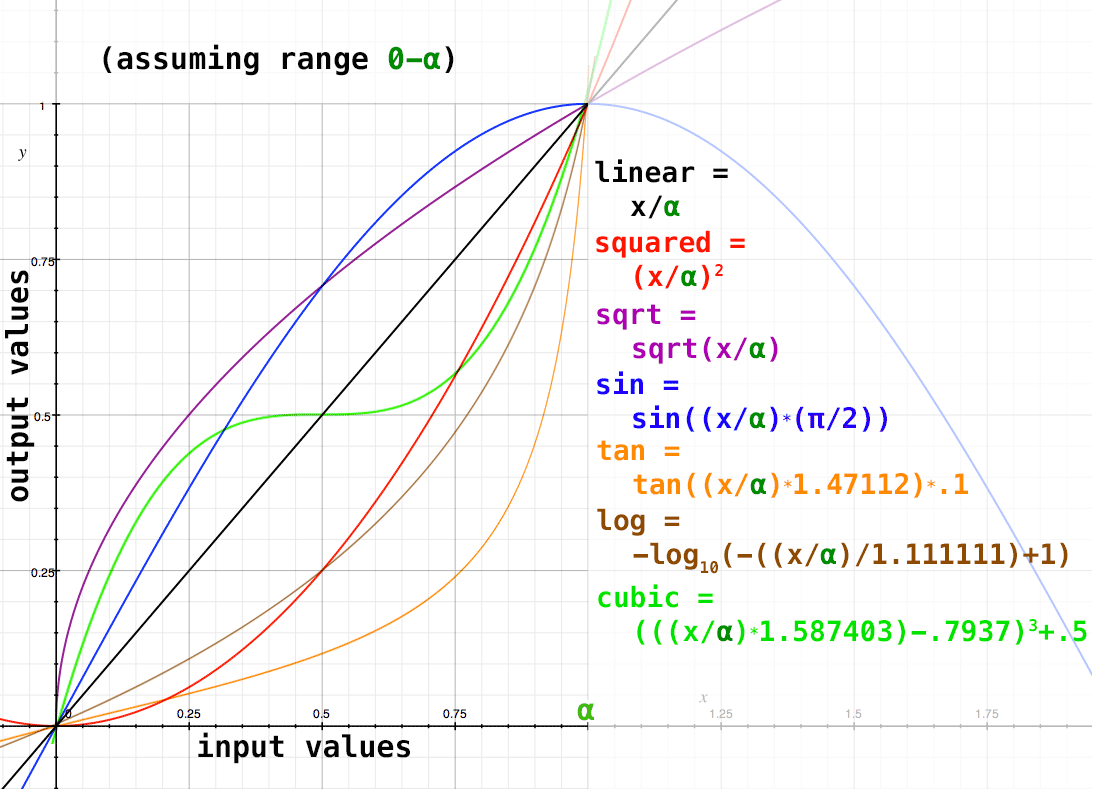
I’ve recently been working on an idea that requires me to do separate luminance values in an image into x discreet “steps”, such as 0-12. However I don’t want to do the distribution linearly (read: equally distributed), I need to account for the fact that luminance is non-linear.

Continue Reading →

Technodolly Focus, Z-Depth, and Lens Distortion

techno_dolly

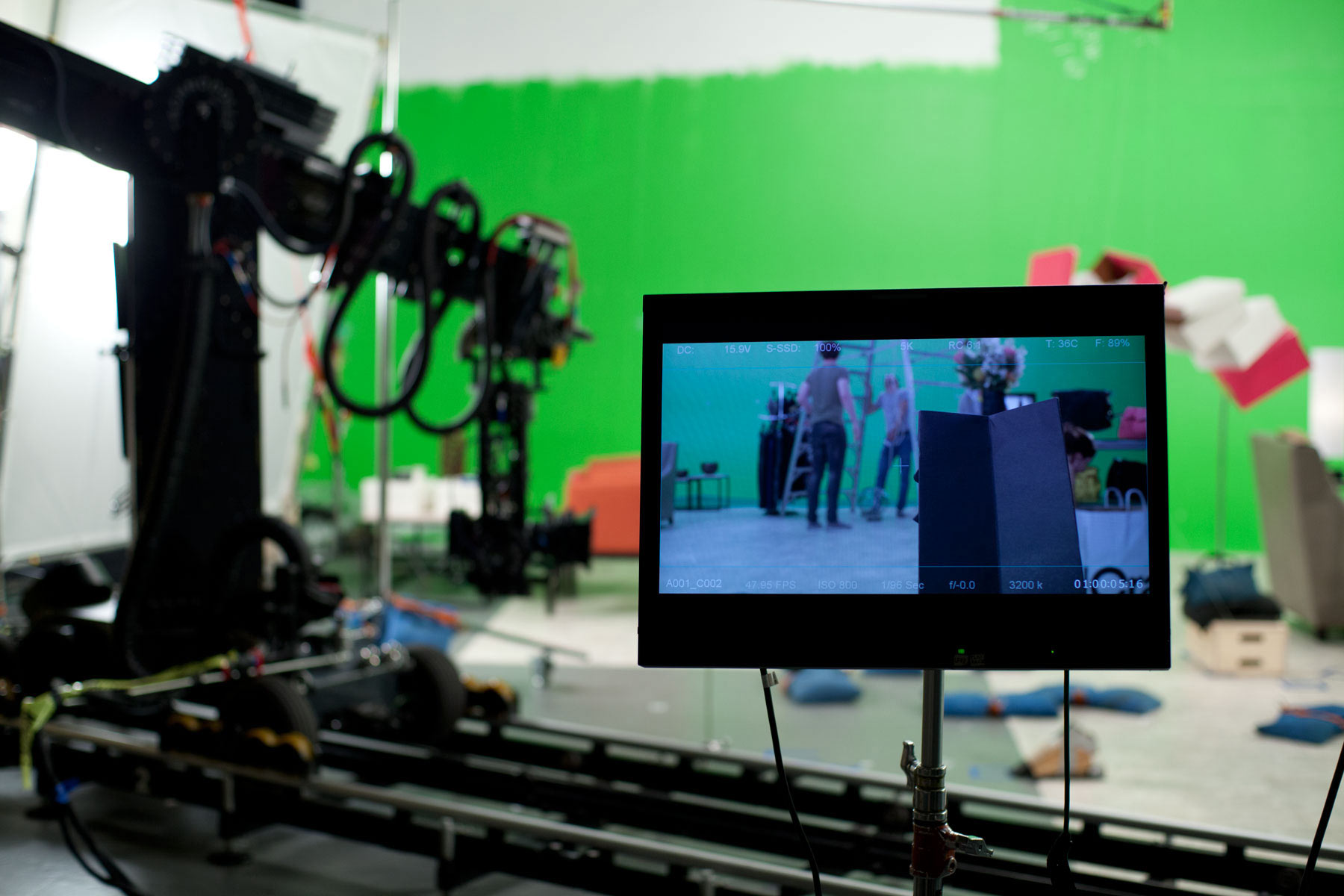
Any comp lives or dies on subtle qualities of a scene – color, depth of field, lens distortion, etc etc. Solving lens distortion with nuke is pretty easy once you understand the process (and immensely easy if you prepare ahead of time!); without a good lens distortion solve you’ll never get a convincing composite. Depth of field is easier to do a guess-and-check method, but of course we’d much rather get an accurate result. We’ll discuss both, but first a quick overview of the technodolly itself.

Continue Reading →

Luminance Curves

grayscale_curve-perceptual

Often in compositing, I will need to take one set of values and convert it to a different set of values. Say I have a linear image, with luminance values in a range from 0 – 4.589:

Input: Output:
0 0
4.589 1
If I want to do some fancy operation on that image based on it’s luminance, I’ll probably want to convert that range to 0-1, so it’s easier to work with. The easiest and most straight-forward type of conversion is a linear one, of course, where we simply divide all the luminance values by the largest value, giving us a range of values between 0 and 1:

Continue Reading →